ÇÖZÜM BULAMADINIZ MI?
TEKNİK BİR SORUN YAŞIYORSANIZ UZMAN EKİBİMİZE ANINDA ULAŞABİLİRSİNİZ.
What is TaskPano List? How to Add?
What is List ?
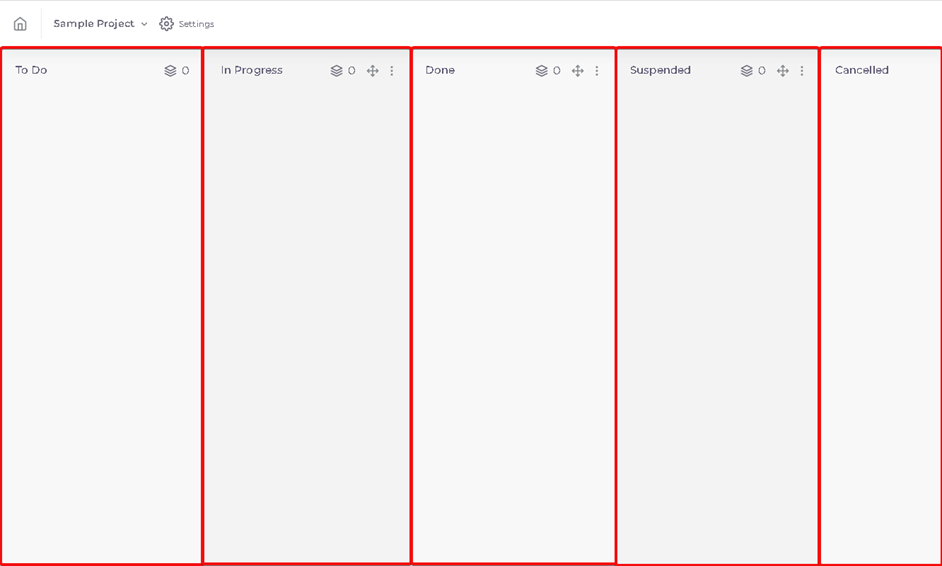
List is last layer to specify situations of tasks in project that under of Workspace is created in organization.
Example; You can add list that specify tasks situations like ‘To Do’ , ‘In Progress’, ‘Done’, ‘Suspended’ and ‘Cancelled’.
Lists are located in Project page .
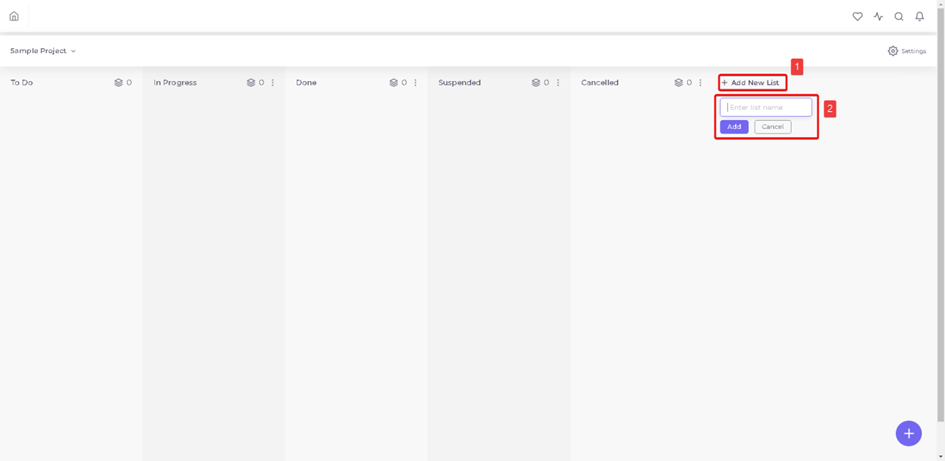
Creating New List ?
1.After enter page of related project to create new list , press ‘Add New List’ on the right of page, name the list and press ‘Add’ button .
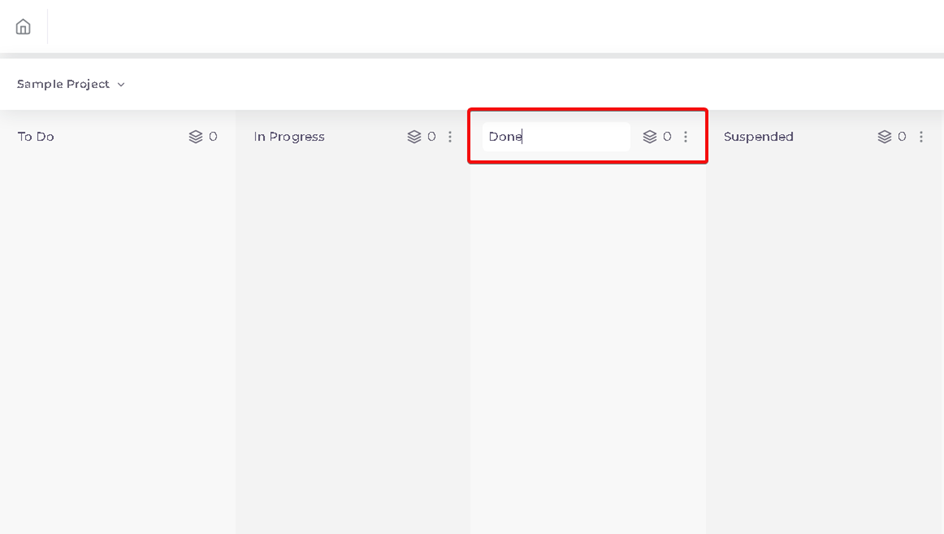
2.You can also change names of default lists.
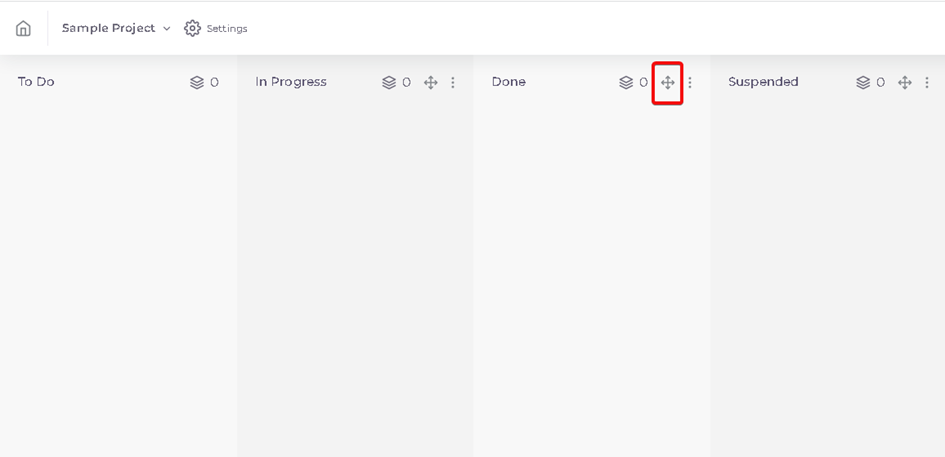
3.Lists can be moved by holding press Button  on list.
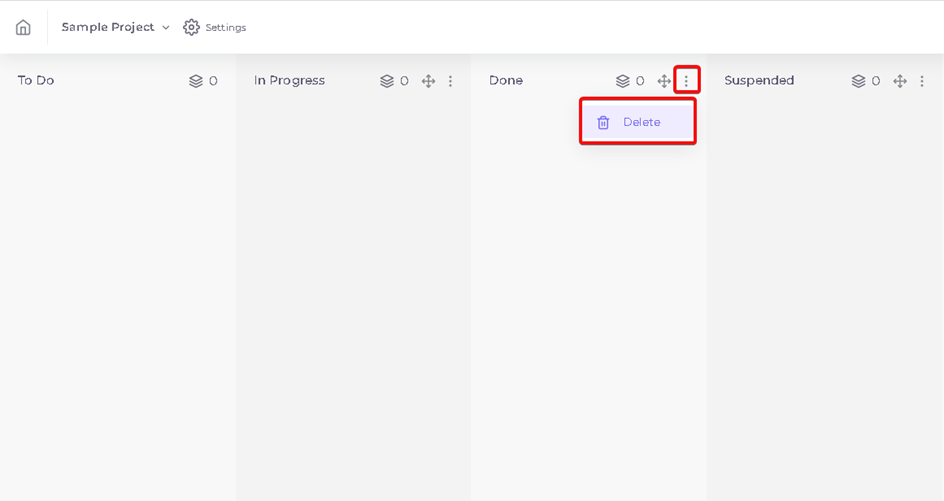
4.Lists can be deleted by pressing button  on list.
BAŞKA BİR SORUNUZ MU VAR?
TEKNİK DESTEK EKİBİMİZE 7/24 ULAŞABİLİR VE TÜM SORULARINIZI İLETEBİLİRSİNİZ.
GÜVENLİK DOĞRULAMASI
Lütfen işlemi onaylayın